SIA U1C · Websites, apps and AI · Latvia+371 28786828[email protected]Latviski
Get a quote

Desktop app development

Some tools work best installed on the computer: they handle local files, run heavy tasks or work offline.

We build desktop apps that install cleanly on Windows, macOS and Linux and update themselves. Several of our own products are built this way.
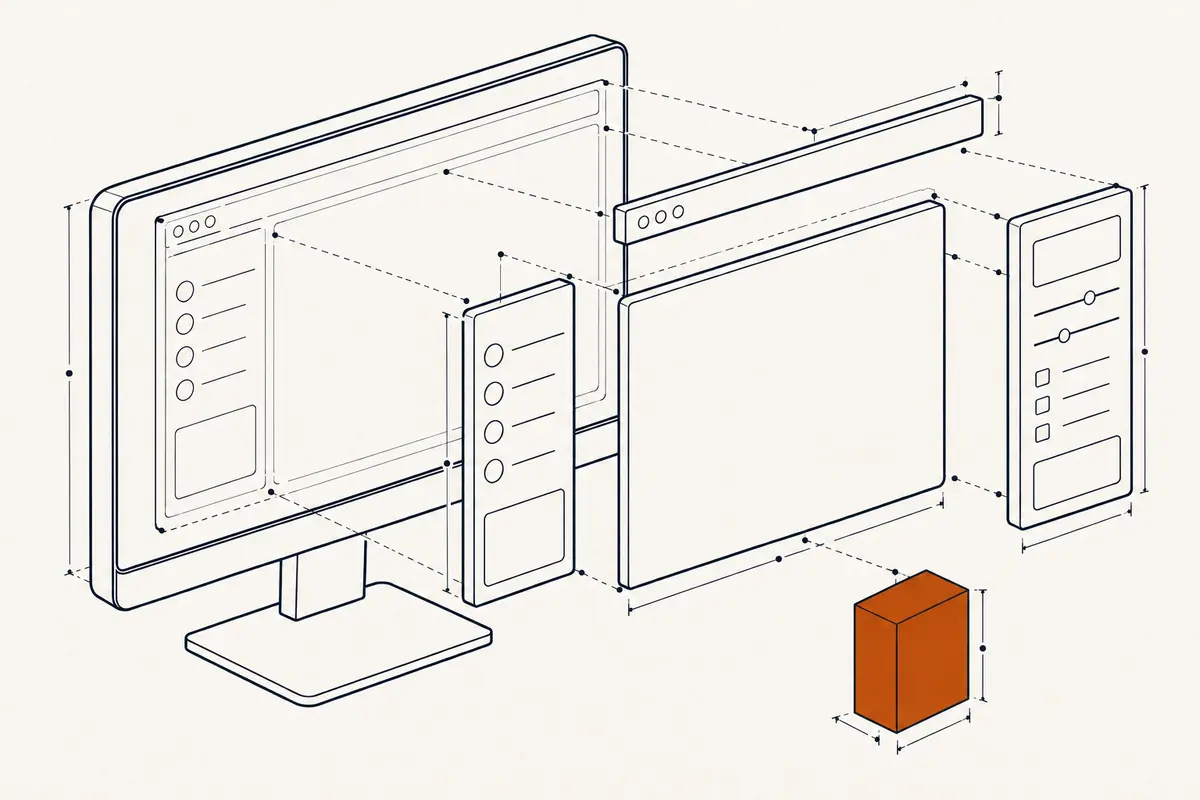
What you get

  • One app for Windows, macOS and Linux
  • Signed installers that the operating system trusts, so setup runs smoothly
  • Automatic updates, so users always have the latest version
  • Works offline and keeps sensitive data on the user's computer when needed

A good fit when

  • Your tool needs local files, hardware or heavy processing
  • Users work offline or with sensitive data that should stay local
  • You want a product people download and install

How it works

  1. Step 1

    Scope

    We agree on platforms, features and how the app will be delivered.

  2. Step 2

    Build

    We build one shared app and test it on each operating system.

  3. Step 3

    Sign and package

    We prepare signed installers and the update channel.

  4. Step 4

    Release and update

    We publish releases and keep them up to date.

For technical teams
  • Cross-platform desktop frameworks with native integrations where needed
  • Code signing for Windows and macOS, plus Apple notarisation
  • Auto-update channels, crash reports and staged rollouts
  • Local encrypted storage and controlled access to files and devices

Questions

When is a desktop app the better choice over a web app?

When you need offline work, local files, hardware or heavy processing. For other needs, a web app is often simpler.

Have you built desktop apps before?

Yes. Several of our own products are desktop apps for Windows, macOS and Linux.

Talk to us about your project

Call or write. We reply within one working day.